Print and scan with a Brother machine
Brother iPrint&Scan connects an Android phone or tablet to a compatible Brother printer or all-in-one over a local wireless network. It suits people who want to send everyday files to a nearby machine or keep scanned pages on their mobile device, without routing the task through a computer.
Send files or collect scans
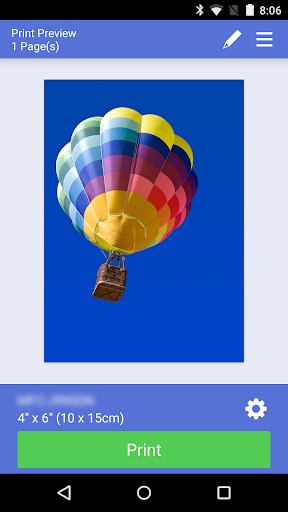
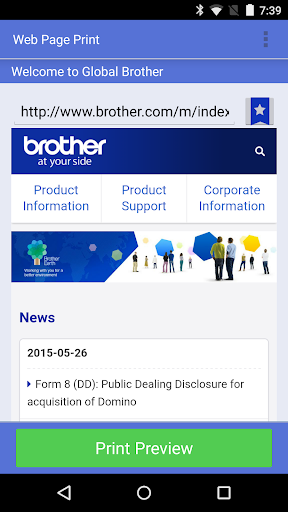
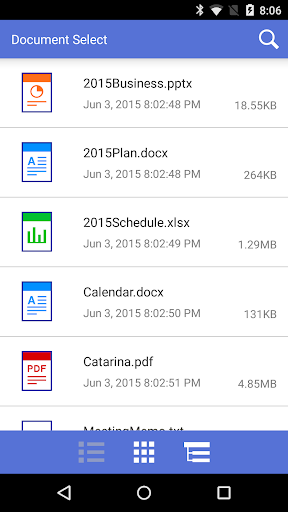
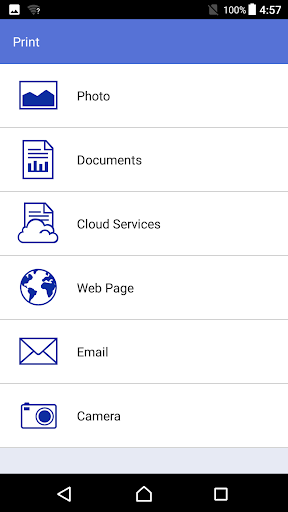
The app can print photos, web pages and documents, including PDF and common Office formats. It can also access files from services such as Dropbox, OneDrive and Evernote. For scanning, choose a supported document size and color mode, then save the result on the device or send it by email as a PDF or JPEG.
- Print settings include paper size, media type and number of copies; available choices depend on the connected machine.
- Scans can be made in color, fast color or black and white, where supported.
- Some Brother devices and Android devices support NFC actions by bringing the phone near the machine’s NFC mark.
Tools vary by model
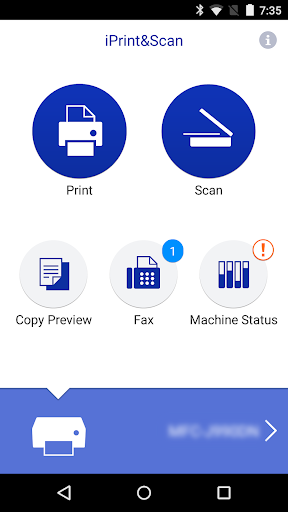
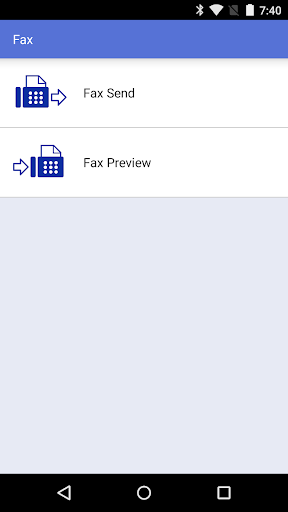
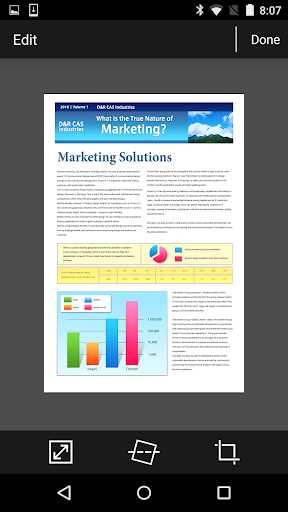
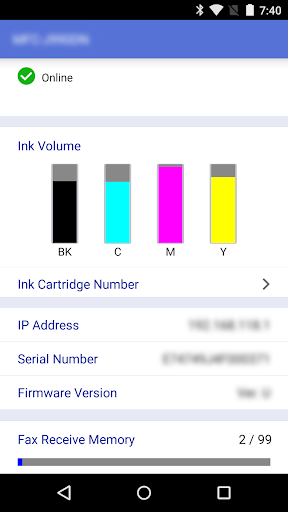
Compatible newer models may offer image adjustments such as cropping or straightening, fax sending, received-fax viewing, copy previews and machine status information. These options are not available on every printer. Check that your specific model supports the functions you need before relying on them; network discovery and available settings also depend on the selected machine.
App details
Brother Industries, Ltd. publishes this Tools app. It has more than 10 million installs and a 2.97 rating from about 107,000 reviews. That rating is a useful signal to weigh alongside your printer’s compatibility and the particular print or scan tasks you plan to use.